Making accessibility accessible for professors, lecturers, TAs, instructors, and universities
EduA11y turns your course PDFs into accessible, screen-reader friendly documents. Upload a file, and our system tags it, fixes the reading order, and adds alt text and searchable text, so you meet WCAG and ADA requirements without spending your weekend on it.
How it works
- 1
Upload a PDF
Sign in with your email and drop in any PDF up to 25 MB: lecture slides, readings, syllabi, scanned handouts.
- 2
We remediate it
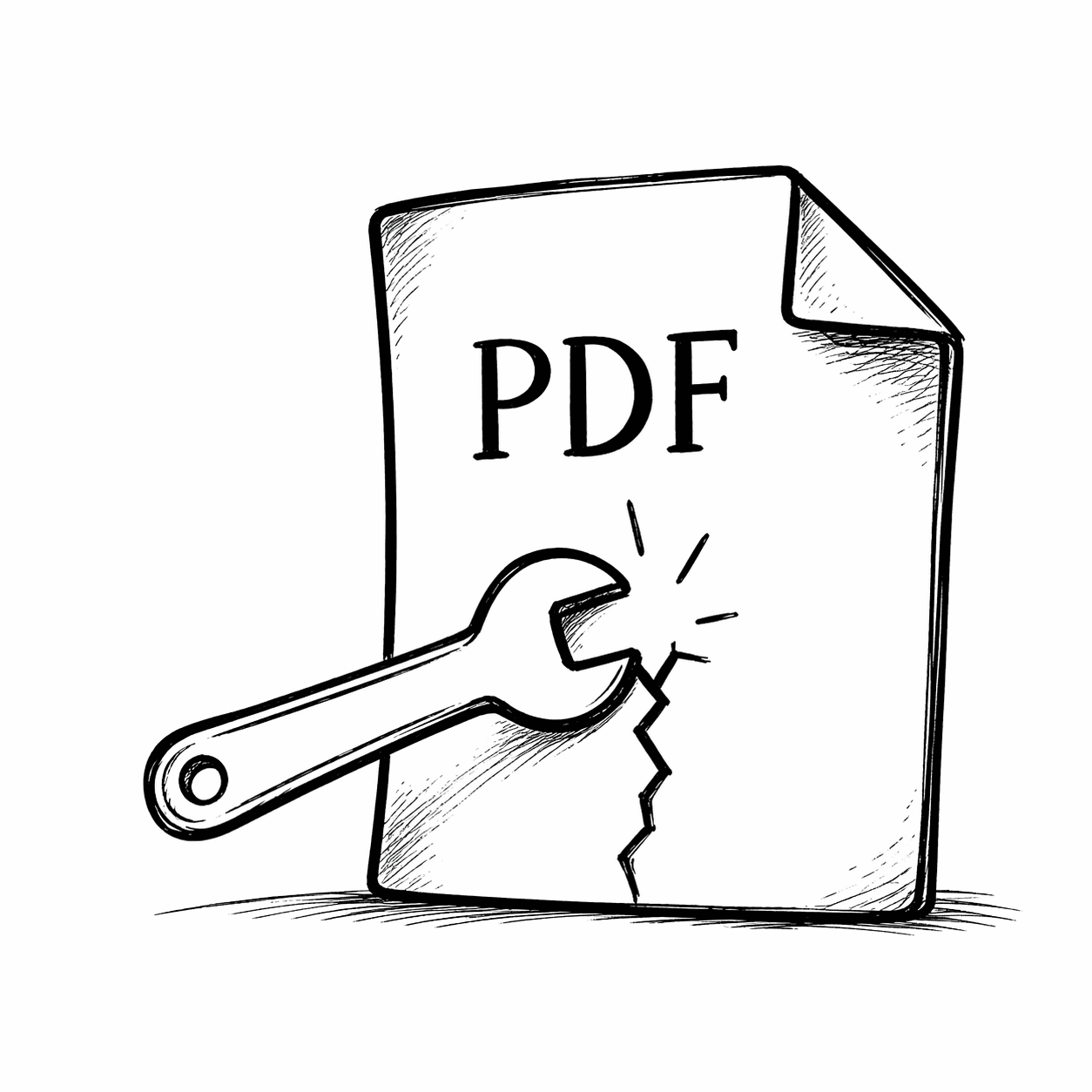
Our system adds a proper tag structure, reading order, headings, lists, table markup, image alt text, and a searchable text layer for scanned pages.
- 3
Download the accessible version
You get an email when it's done, usually within a few hours. Download the remediated PDF from your dashboard, ready for screen readers and your LMS.
Simple pricing
Pay per document. No subscription, no minimums, no seats. All prices are in US dollars (USD) and charged when you submit a PDF for remediation.
If we can't produce an accessible version of your file, you get a full refund. See our refund policy.
- Tagged PDF with headings, paragraphs, lists, and tables
- Logical reading order for screen readers
- Alt text for figures and images
- OCR text layer for scanned documents
- Document title and language metadata
- Your file stays in your account until you delete it
Questions? Get in touch
Email us about anything: a file that didn't come out right, a billing question, or a department-wide rollout. We reply within one business day.
support@edua11y.org